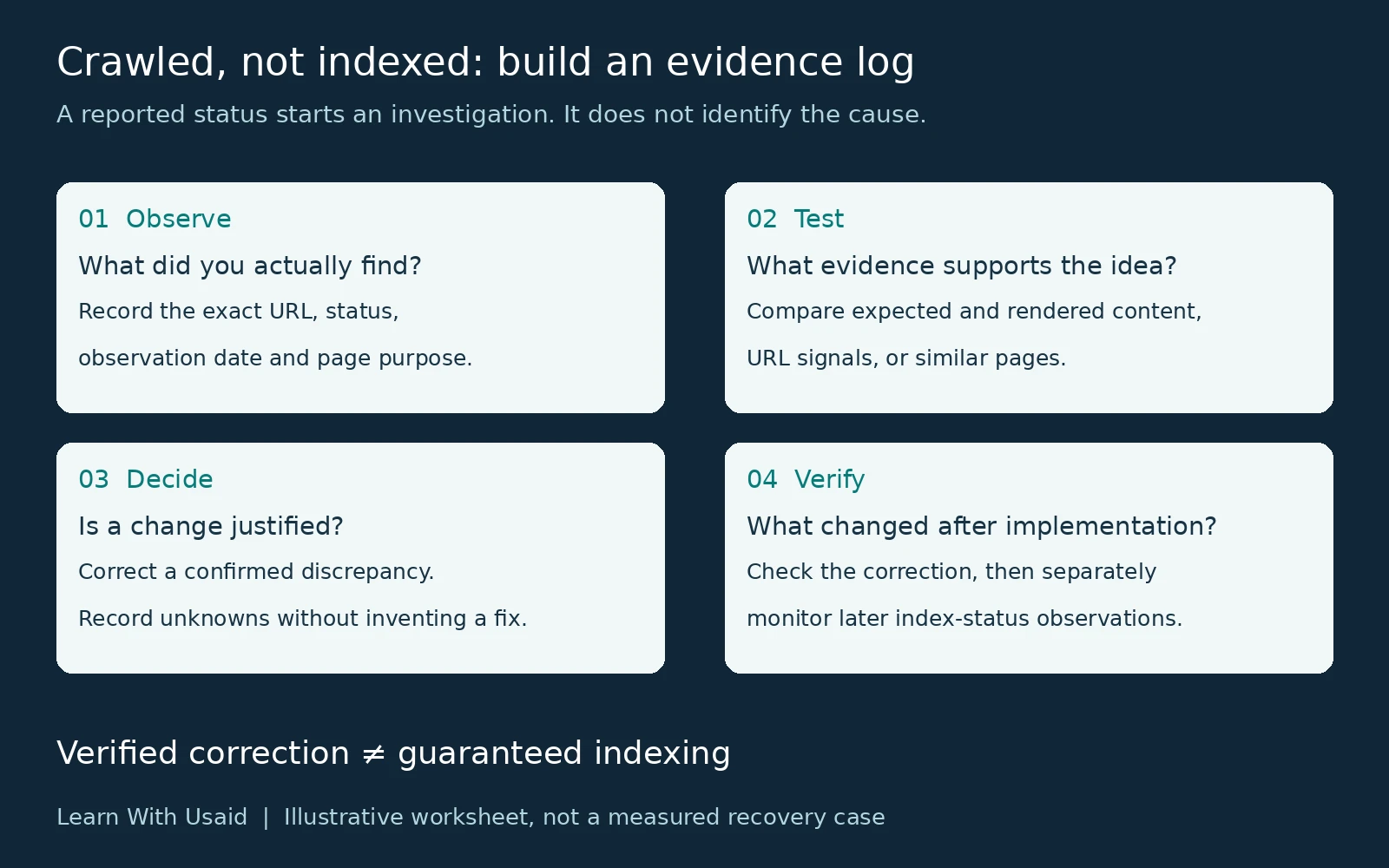
Crawled – Currently Not Indexed means Google has fetched the page but has not included it in its index. The status alone does not establish why, so confirm the URL and report details before choosing any change.
What does Crawled – Currently Not Indexed mean?
The status describes a completed crawl without index inclusion. It does not establish a penalty, a permanent rejection, or one specific quality problem. Google says the page may or may not be indexed later.
Start by identifying which useful pages are affected. A current service page, a tracking variant, and an old utility URL do not necessarily have the same intended role in search.
Refer to Google’s Page Indexing documentation for the status definition. The investigation below is an evidence-led editorial workflow, not a list of causes confirmed by that label.
How is it different from Discovered – Currently Not Indexed?
The difference is whether Google has crawled the URL. Use the current reported status to choose the investigation, rather than copying a remedy simply because both labels end with “currently not indexed.”
| Reported status | What is known | Starting point |
|---|---|---|
| Crawled – currently not indexed | Google fetched the page but has not indexed it. | Confirm the report, then investigate page and template evidence. |
| Discovered – currently not indexed | Google knows the URL but has not crawled it yet. | Use the pre-crawl investigation for that status. |
How do you confirm the affected URL and report details?
Inspect the exact address in your verified Search Console property. Record the available stored result and its date, then establish whether that URL is intended to appear in search. Keep the clean URL and any parameter variants separate in your notes.
Use the broader visibility guide to check whether a page is indexed if you need the full procedure. A live test describes current access and tested conditions; it does not prove index inclusion. If the page has changed since the recorded crawl, preserve both dates.
| Field | What to record |
|---|---|
| URL | Exact address inspected |
| Observation | Stored status and any relevant details |
| Dates | Inspection date, available last crawl date, and recent change dates |
| Intended outcome | Public search destination, alternate version, or intentionally excluded page |
Google’s URL Inspection documentation explains what the stored and live results can establish. An empty or unavailable field should stay marked unknown.
What evidence should guide the investigation?
Turn each possible explanation into a question that can be tested. For example:
| Illustrative observation | Evidence to collect | Decision only if supported |
|---|---|---|
| Important description absent in tested output | Expected copy and rendered output for the same URL | Correct a verified delivery discrepancy |
| Two URLs repeat the same purpose | Compare content, intended destination and canonical signals | Retain, improve or consolidate according to evidence |
| Affected pages share a template | Representative sample and release history | Investigate a common template change |
These are illustrative investigation paths, not confirmed causes of your status. If a check finds no discrepancy, record that result. Avoid changing the canonical, rewriting the page and switching hosting simultaneously without evidence; you would make the outcome harder to interpret.
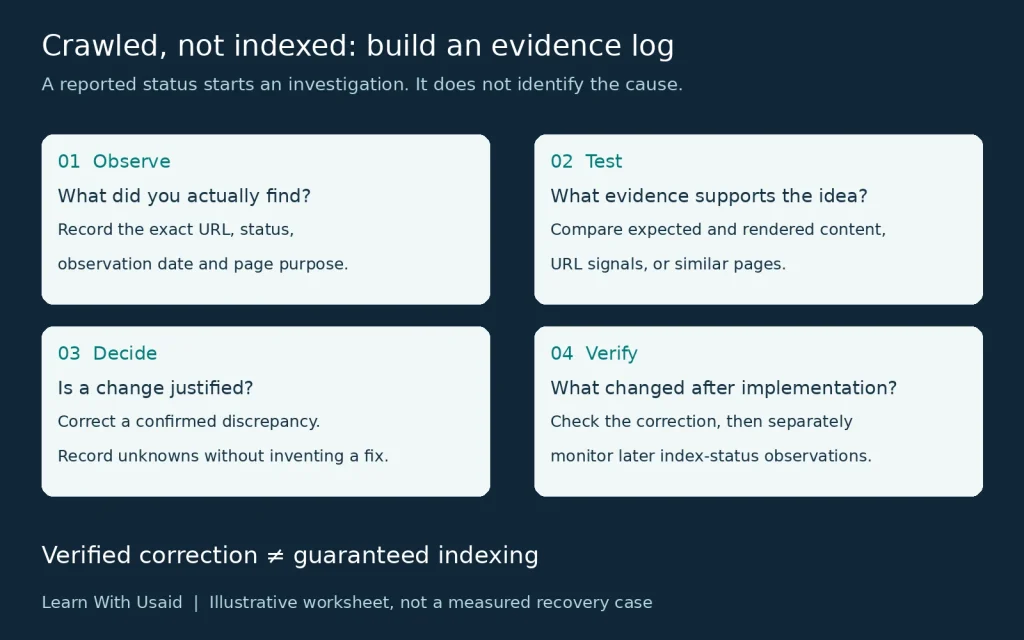
Does the page deliver the intended content and URL signals?
Where the evidence warrants it, compare the content you expect with the delivered and rendered page. Check whether essential text and navigation remain available in the tested output. A JavaScript implementation should be assessed by what it delivers, rather than assumed to be faulty because it uses JavaScript.
For duplicate or very similar URLs, review the declared canonical and other preferred-URL signals. Google’s canonical guidance recommends consistency between these signals and internal links.
If the intended service address points to an unrelated preferred URL, investigate the configuration before editing it. This is an illustrative conflict to test, not proof that every page with this status has a canonical problem.
Use Google’s guidance on JavaScript processing and canonical signals to interpret a confirmed discrepancy. A canonical annotation is a signal, and fixing it does not compel Google to index the page.
Does another page already meet the same reader need?
Compare the affected page with the closest existing page on your website. Ask what the visitor can accomplish on each one and what meaningful information the affected page adds.
For illustration, two service guides might repeat the same explanation under slightly different titles. Another pair may share vocabulary while serving different needs: one helps a buyer compare providers, while the other explains how to investigate a technical symptom. Those situations deserve different editorial decisions.
A comparison can support improving, combining or retaining pages, depending on the evidence. The status itself does not justify deleting content, adding arbitrary word count or buying backlinks. Write down the reader benefit expected from any proposed change.
How should you choose an action and monitor it?
Choose an action only when the evidence supports it. Record the original observation, the exact correction, the release date and the acceptance check. Then monitor later report observations without promising a date for indexing.
For an illustrative rendering correction, the immediate acceptance check is that the expected content appears in the tested output. That technical result is different from later index inclusion or increased traffic.
Google does not advise routine crawl resubmission merely because a URL carries this status. Keep any request for a newly changed page separate from claims that requesting it will resolve the state. Technical SEO implementation help is useful when a confirmed issue requires a controlled template or code change.
| Log field | Entry to make |
|---|---|
| Baseline | Exact observation before the change |
| Action | What changed and which evidence justified it |
| Release date | When the correction went live |
| Acceptance check | Whether the intended technical or content change is present |
| Follow-up | Later report status and observation date; outcome unknown until checked |
For substantial updates, follow Google’s recrawl-request guidance. A request is not an indexing guarantee. If you have not established a problem, keep the record and monitor rather than making unrelated changes.
When is a wider investigation useful?
Consider a wider review when important pages remain affected, several templates show related symptoms, or the available evidence does not explain which action would help. Bring a representative sample rather than an unexplained export of every excluded URL.
Group the sample by page purpose, template and observed condition. Explain any changes already made and include their dates. This allows the reviewer to compare patterns and avoid repeating work.
The outcome should be either a supported next action or a clear statement that a proposed cause has not been established. An investigation should reduce uncertainty; it should not turn the absence of an answer into a guaranteed fix.