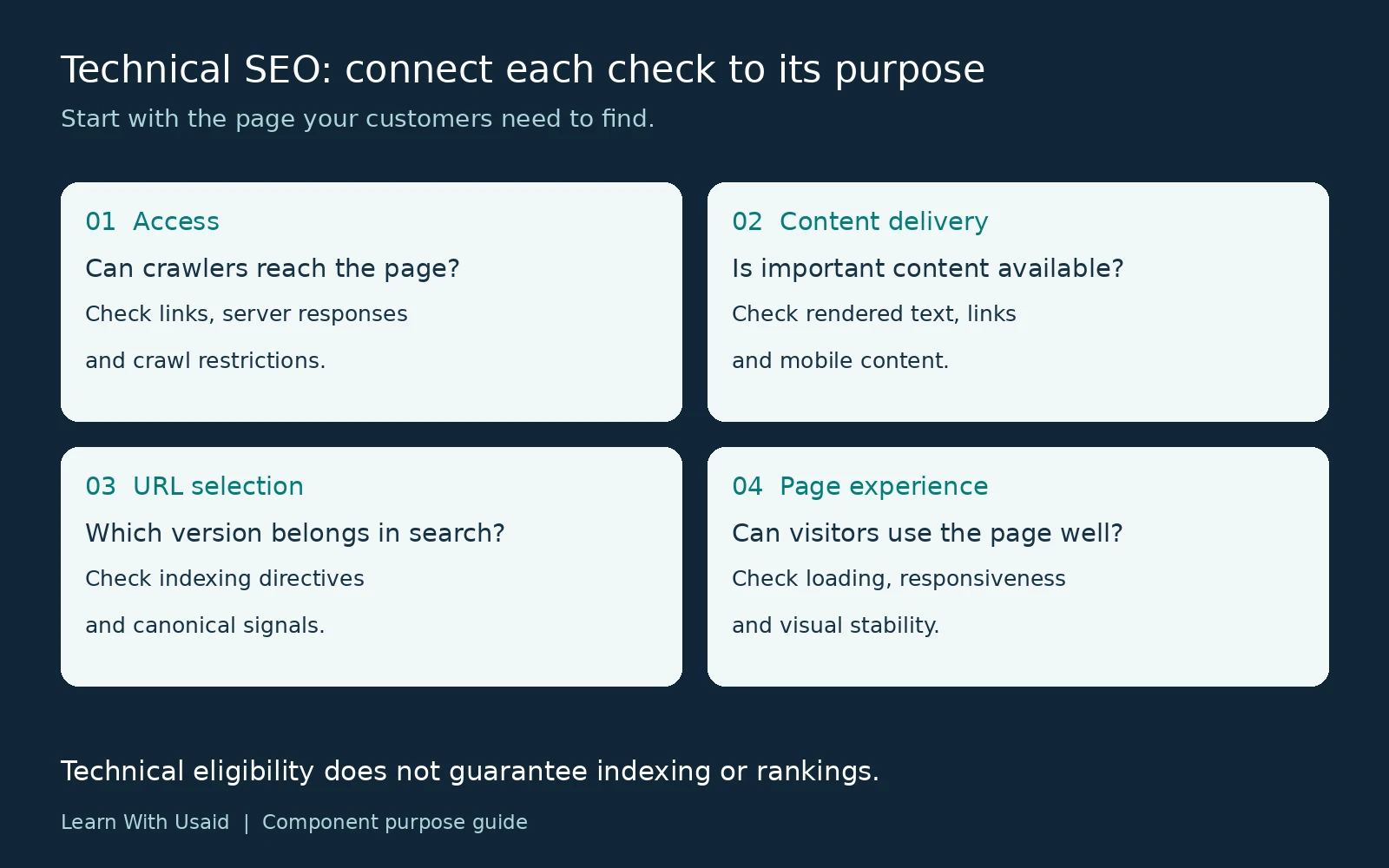
Technical SEO improves a website’s technical setup so search engines can access, process, and understand its content. It covers crawl access, indexing controls, URL handling, internal navigation, rendering, and page performance. These foundations support search visibility, but they do not guarantee rankings.
For a business owner, the practical question is simple: can the right customers find and use your important pages? A service page might explain your offer clearly yet have an accidental indexing restriction. Another might be accessible but deliver its main description only through JavaScript that fails to load. Each problem needs a different investigation.
What does technical SEO include?
Technical SEO includes the systems that make a website accessible, help search engines interpret its URLs, and deliver usable content. The table below connects each area to a business purpose.
| Area | Purpose | Example question |
|---|---|---|
| Crawl access | Let crawlers retrieve intended public pages. | Is the main service page accessible without a login or accidental block? |
| Indexing and URL selection | Communicate which pages should appear in search and which duplicate version is preferred. | Does a tracking URL point to the correct canonical version? |
| Site architecture | Connect useful pages through understandable navigation and links. | Can visitors reach a service guide from a relevant page? |
| Rendering | Make important text and links available when the page is processed. | Does the service description appear in the rendered output? |
| Page experience | Support loading, interaction, and a stable layout. | Does a moving banner interrupt the contact form? |
| Specialist checks | Handle structured data, regional versions, and site changes appropriately. | Will a redesign preserve useful URLs and content? |
The scope depends on the website. A small service business and a large international store do not need identical audits. Start with the pages that explain your services, support customer decisions, or generate inquiries.

How do discovery, crawling, rendering, and indexing connect?
Discovery identifies a URL; crawling retrieves it; rendering processes the page; indexing analyzes its content for potential inclusion in search. Ranking is a separate question about which results appear for a particular search.
- Discovery: Google learns about an address through sources such as links or a sitemap.
- Crawling: Googlebot requests the page and receives a response.
- Rendering: Google processes the page, including JavaScript, to access content that may not appear in the initial HTML.
- Indexing: Google analyzes the content and considers its inclusion in the index.
Imagine a newly published consulting page. A navigation link can help Google discover it, but discovery does not prove that it has been crawled or indexed. Likewise, an indexed page is not guaranteed to rank prominently for “business consultant.” Google’s explanation of how Search works distinguishes crawling, indexing, and serving results.
Use that distinction when diagnosing a problem: first establish which stage is involved, then investigate the relevant evidence.
If your website is not showing up on Google, check the exact URL’s index status before choosing an indexing or ranking investigation.
Which controls affect access and URL selection?
Choose a control according to what the URL should do. Restricting crawling, excluding a page from search, and identifying a preferred duplicate are different tasks.
| Control | What it does | Important boundary |
|---|---|---|
| robots.txt | Manages crawler access to specified paths. | Blocking crawling does not reliably remove a URL from search. |
| noindex | Instructs search engines not to index the page. | Google must be able to crawl the page to discover the instruction. |
| XML sitemap | Helps communicate URLs you want search engines to discover. | Submission does not guarantee crawling or indexing. |
| Canonical annotation | Indicates the preferred version among duplicate or very similar pages. | It is a signal; Google may choose a different canonical. |
Suppose /consulting/ and /consulting/?campaign=email show the same content. A canonical signal can identify the preferred version while both addresses remain usable. A permanently moved page requires a different decision, and a private customer area needs actual access protection.
Check the relevant documentation before changing settings: robots.txt, noindex, sitemaps, and canonical signals. A setting that removes a warning may still be wrong for the page’s intended purpose.
How do navigation and rendering affect available content?
Navigation provides routes between pages. Rendering determines what content is available after a page is processed. Both matter, but their symptoms and fixes differ.
Navigation example: a useful service guide exists, but no relevant page links to it. Review its place in the site structure and add a descriptive link where readers would naturally need the guide.
Rendering example: a service page loads, but its description is missing from the tested rendered output. Investigate the scripts, resources, and loading behavior responsible for that content.
These are hypothetical examples, not reported client results. The first calls for a navigation review; the second calls for a content-delivery investigation. Google can process JavaScript, but implementation problems can prevent important content from becoming available. Its JavaScript SEO documentation explains the processing involved.
Where do performance, mobile, and specialist checks fit?
Once a page can be accessed and processed, review how reliably it works for visitors and whether specialist requirements apply.
- Performance: Core Web Vitals cover loading, responsiveness, and visual stability through LCP, INP, and CLS. Investigate the experience behind a poor result instead of treating a score as the whole SEO strategy. Good Core Web Vitals do not guarantee top rankings.
- Mobile content: Google uses the mobile version for indexing. Keep important content and relevant metadata available on mobile. An accordion can be appropriate; content that loads only after a user interaction needs closer review. See Google’s mobile-first guidance.
- HTTPS: Review secure page delivery and insecure embedded resources as part of the site’s technical maintenance.
- Structured data: Use applicable markup that accurately represents visible content. Passing validation does not guarantee a rich result; follow the structured data guidelines.
- Regional versions and migrations: Add these checks when the site targets distinct language or regional versions, or when a release changes URLs and content delivery.
For example, a business serving one market should not add regional pages merely to make its technical checklist longer. A company planning a redesign should instead make preservation of useful pages part of the release plan.
How is technical SEO different from other SEO work?
Technical SEO focuses on the website’s systems. On-page SEO focuses on how a page explains and organizes its subject. Off-page SEO concerns relevant signals and relationships beyond the site.
| Problem | Main area of work | Illustrative action |
|---|---|---|
| A template excludes public service pages from indexing. | Technical SEO | Investigate and correct the unintended directive. |
| A service explanation leaves important customer questions unanswered. | On-page content | Improve the explanation with useful details and evidence. |
| A business has few relevant external references. | Off-page work | Develop legitimate relationships and opportunities for editorial coverage. |
These responsibilities overlap. A writer may improve a service description while a developer fixes the template that fails to deliver it. Assign the work according to the problem and required skills, keeping the reader’s needs consistent across both tasks.
Which issue should a business investigate first?
Start with an evidenced problem affecting an important page. Consider the page’s business purpose, the number of affected URLs, and dependencies between fixes.
Suppose your main service page has an unintended noindex directive, while an old announcement has an optional enhancement warning. Investigating the service page would normally be the more useful first step. This is an illustrative prioritization decision, not a universal scoring rule.
Create a short issue record with six fields:
- Affected URL or template: where the problem occurs.
- Observation: what you actually found.
- Evidence: the response, rendered output, or report supporting the finding.
- Action: the proposed change and its purpose.
- Owner: who will implement it.
- Acceptance check: how you will verify the correction.
For the example above, an acceptance check could confirm that the unintended directive is absent from the public page. Later search visibility is a separate outcome to monitor. This keeps implementation success distinct from a ranking promise.
When should you involve a technical SEO specialist?
Involve a specialist when important pages are difficult to diagnose, a problem affects multiple templates, or a release changes URLs and content delivery. Bring the affected addresses, symptoms, recent changes, and any available evidence.
If you need help deciding which technical issues deserve attention, explore Learn With Usaid’s technical SEO services and discuss your website’s requirements.
A useful starting outcome is a clear explanation of the problem, a proposed action, and a way to verify the change. That gives your business a practical next step while search performance is measured over time.